
Culligan Water Softener Settings Guide
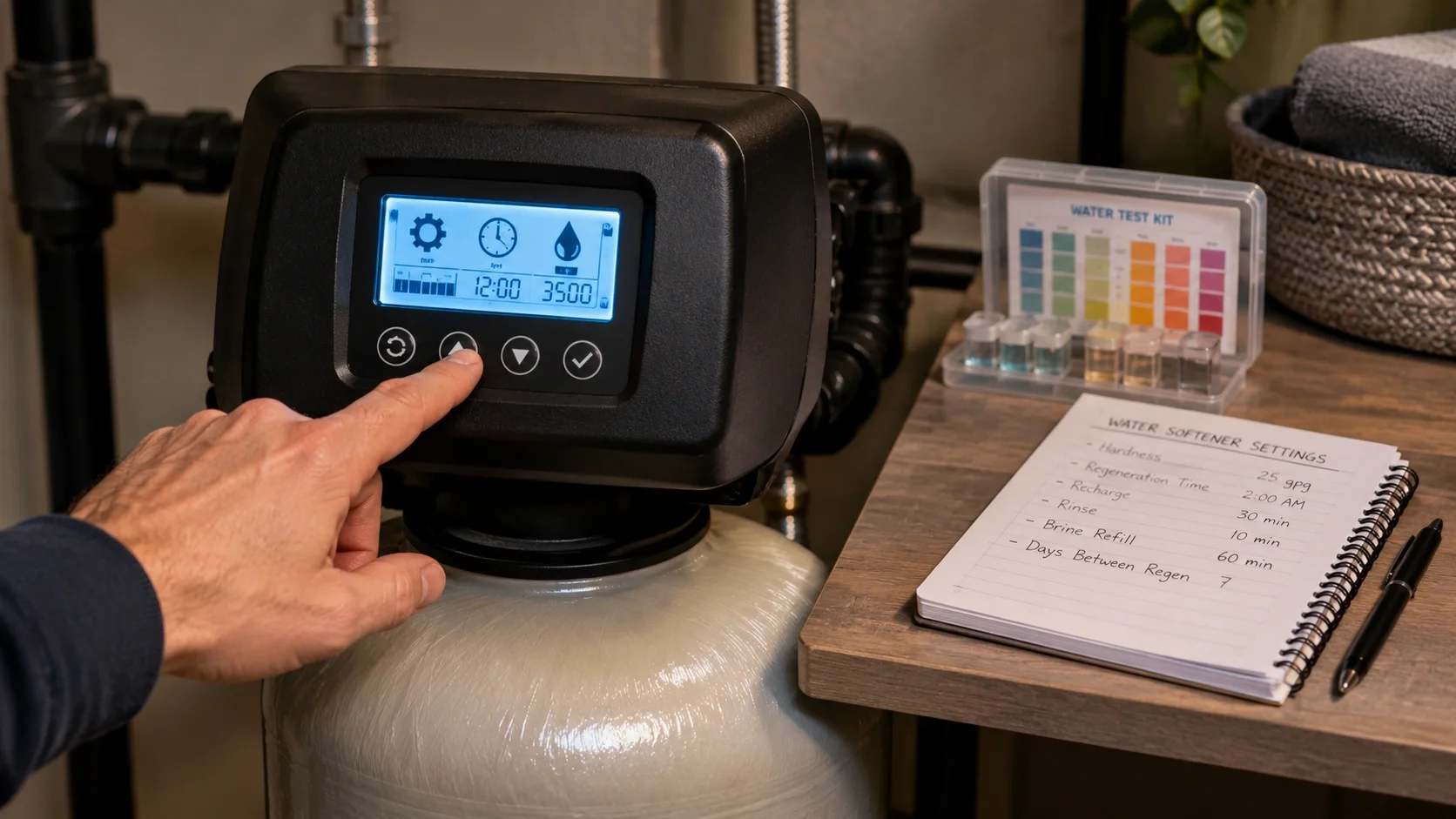
Easy Programming
User-friendly interface for adjusting settings based on your water hardness and usage patterns
Efficient Operation
Optimize salt and water usage with proper regeneration cycle settings
Smart Features
Advanced models feature demand-initiated regeneration for maximum efficiency
Key Culligan Water Softener Settings
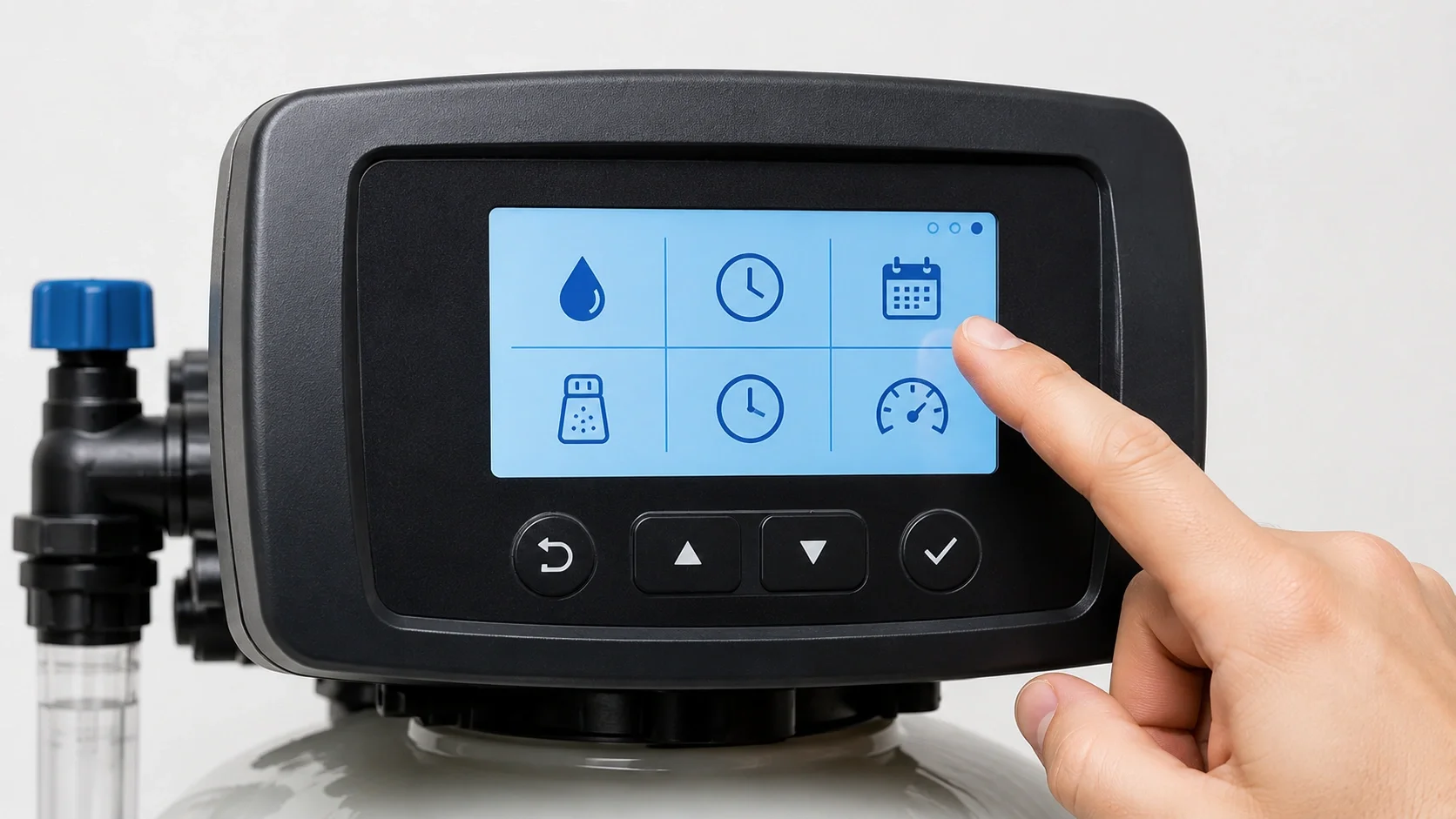
Hardness Level
Set according to your local water hardness measured in grains per gallon (GPG). Essential for proper regeneration timing.
Range: 1-100 GPGRegeneration Time
Program when regeneration occurs, typically during low water usage hours (usually 2:00 AM).
24-hour clockRegeneration Frequency
Adjust based on household size and water consumption patterns to optimize efficiency.
Every 3-14 daysSalt Dosage
Control the amount of salt used during each regeneration cycle for efficient operation.
AdjustableTime and Date
Ensure accurate time settings for scheduled regeneration and proper system operation.
12/24-hour formatReserve Capacity
Set based on your household's peak water usage to ensure soft water availability during high demand.
AdjustableRecommended Culligan Replacement Parts & Accessories
Culligan Water Softener
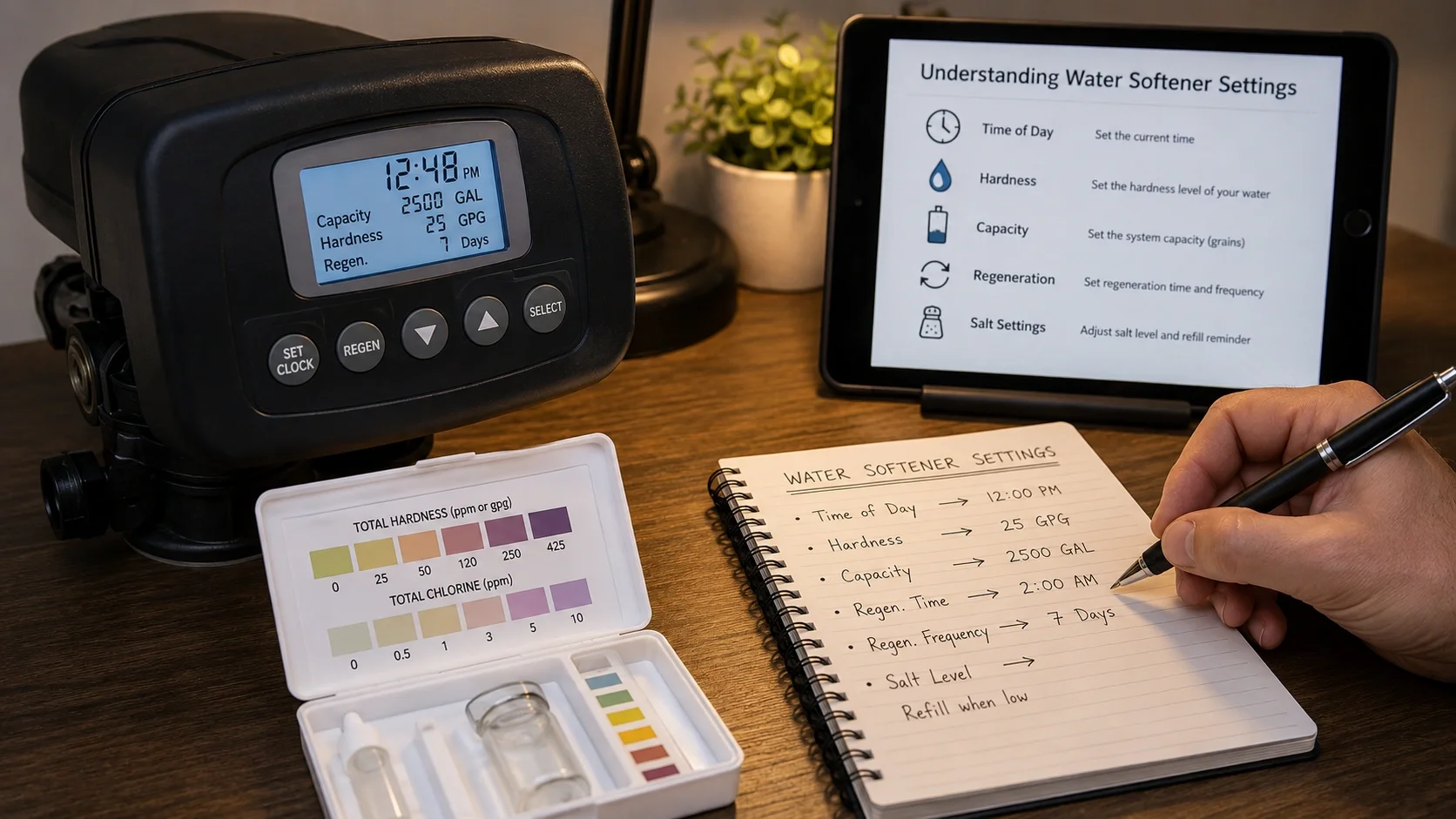
Properly configuring your Culligan water softener settings is essential for optimal performance, efficiency, and longevity of your system. The right settings ensure you get soft water when you need it while minimizing salt and water usage.
Key Settings to Adjust:
- Hardness Level: Set according to your local water hardness measured in grains per gallon (GPG)
- Regeneration Time: Program when regeneration occurs, typically during low water usage hours
- Regeneration Frequency: Adjust based on household size and water consumption patterns
- Salt Dosage: Control the amount of salt used during each regeneration cycle
- Time and Date: Ensure accurate time settings for scheduled regeneration
Water Hardness Reference Table
| Hardness Level | GPG Range | PPM Range | Recommended Setting |
|---|---|---|---|
| Soft | 0-3 GPG | 0-50 PPM | 3 GPG |
| Moderately Hard | 3-7 GPG | 51-120 PPM | 5-7 GPG |
| Hard | 7-11 GPG | 121-180 PPM | 8-11 GPG |
| Very Hard | 11+ GPG | 181+ PPM | 12+ GPG |
Step-by-Step Programming Guide:
1 Locate Control Valve
Find the control valve on your Culligan water softener system. This is typically located on top of the mineral tank.
2 Enter Programming Mode
Enter programming mode by pressing and holding the designated button (usually labeled "Program" or "Menu").
3 Set Time & Day
Set the current time and day of the week using the up/down buttons.
4 Input Hardness Level
Enter your water hardness level (obtain from local water report or test kit).
5 Adjust Regeneration Time
Set regeneration time to occur during low water usage (typically 2:00 AM).
6 Set Reserve Capacity
Set reserve capacity based on your household's peak water usage needs.
7 Save & Exit
Save your settings and exit programming mode (usually by pressing "Save" or "Exit").
8 Test Operation
Run a manual regeneration cycle to verify settings are working correctly.
Pro Tip: Always write down your current settings before making changes. This allows you to revert to previous settings if needed.
Troubleshooting Common Setting Issues
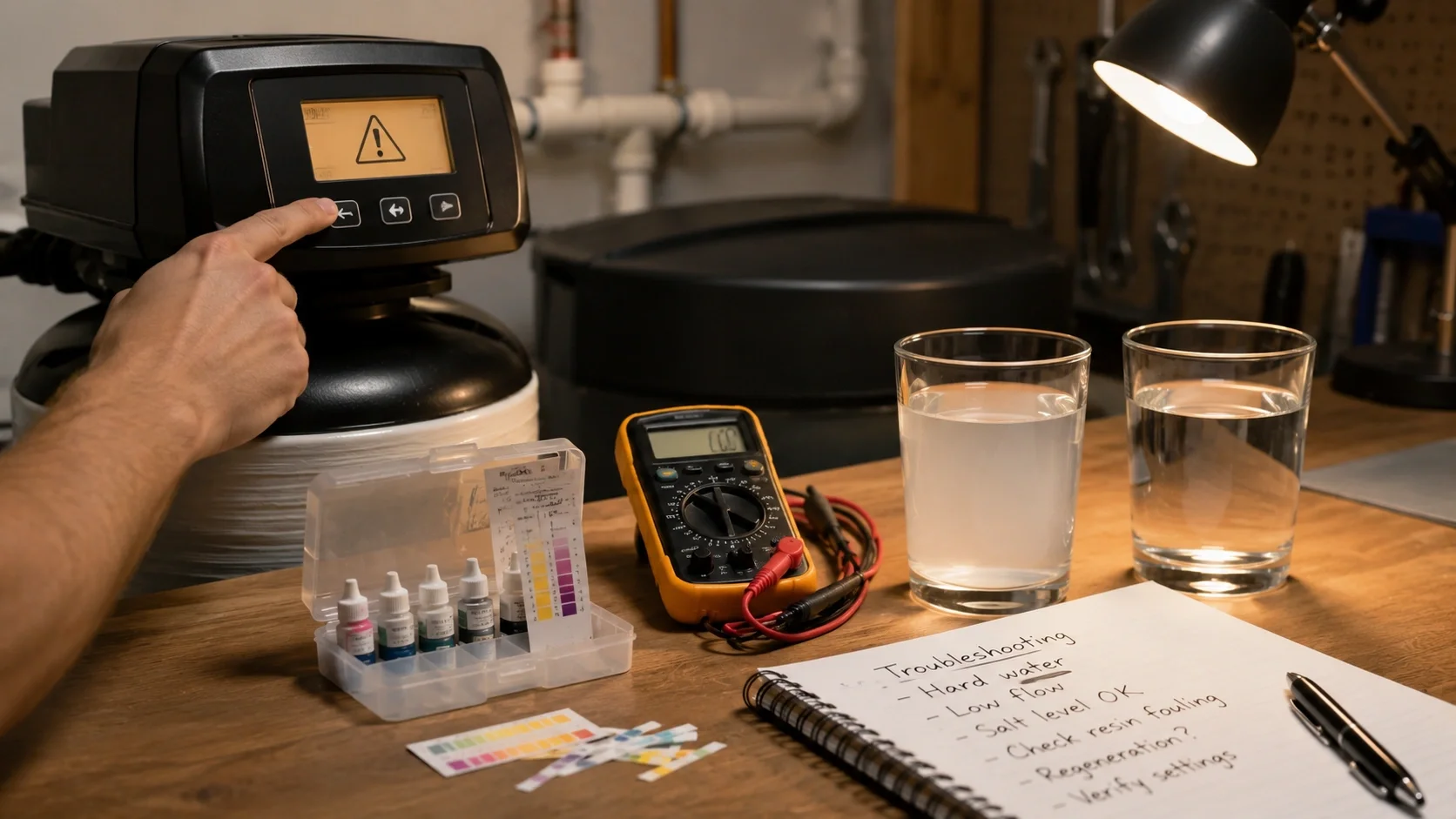
Even with proper initial setup, you might encounter issues with your Culligan water softener settings. Here are some common problems and solutions:
Water Not Soft Enough
Check hardness setting and increase if necessary. Test your water to verify actual hardness level.
Frequent Regenerations
System regenerating too often indicates capacity settings may be too low or water usage is higher than expected.
System Not Regenerating
If your system fails to regenerate as scheduled, check time settings and power connection.
High Salt Usage
Excessive salt consumption may indicate salt dosage settings are too high.
Error Codes
Digital error codes indicate specific issues with your system.
Low Water Pressure
Reduced pressure may indicate settings affecting regeneration cycle timing.
Maintenance Tips for Optimal Performance
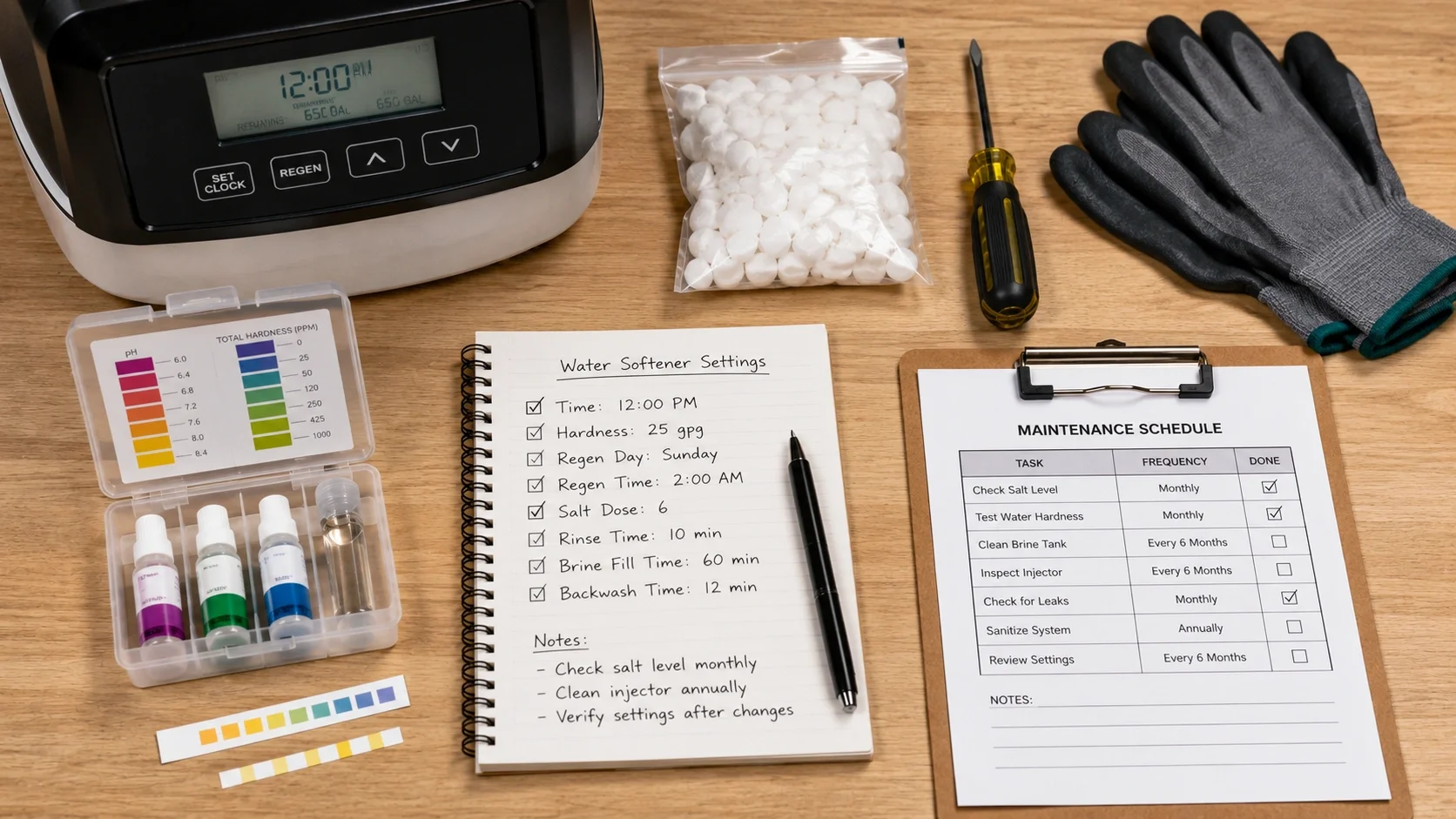
Regular maintenance ensures your Culligan water softener continues to operate efficiently with your chosen settings:
✅ Monthly Tasks
- Check salt levels and refill as needed
- Inspect for salt bridging
- Verify time settings are correct
- Check for error codes
✅ Quarterly Tasks
- Test water hardness to verify settings
- Clean brine tank
- Inspect for leaks around connections
- Check regeneration cycle operation
✅ Annual Tasks
- Complete system inspection
- Replace filters according to recommendations
- Professional system checkup
- Verify all settings are optimal
Maintenance Schedule Tip: Create a calendar reminder for monthly salt checks and quarterly maintenance to keep your system running at peak efficiency.
Advanced Programming Tips
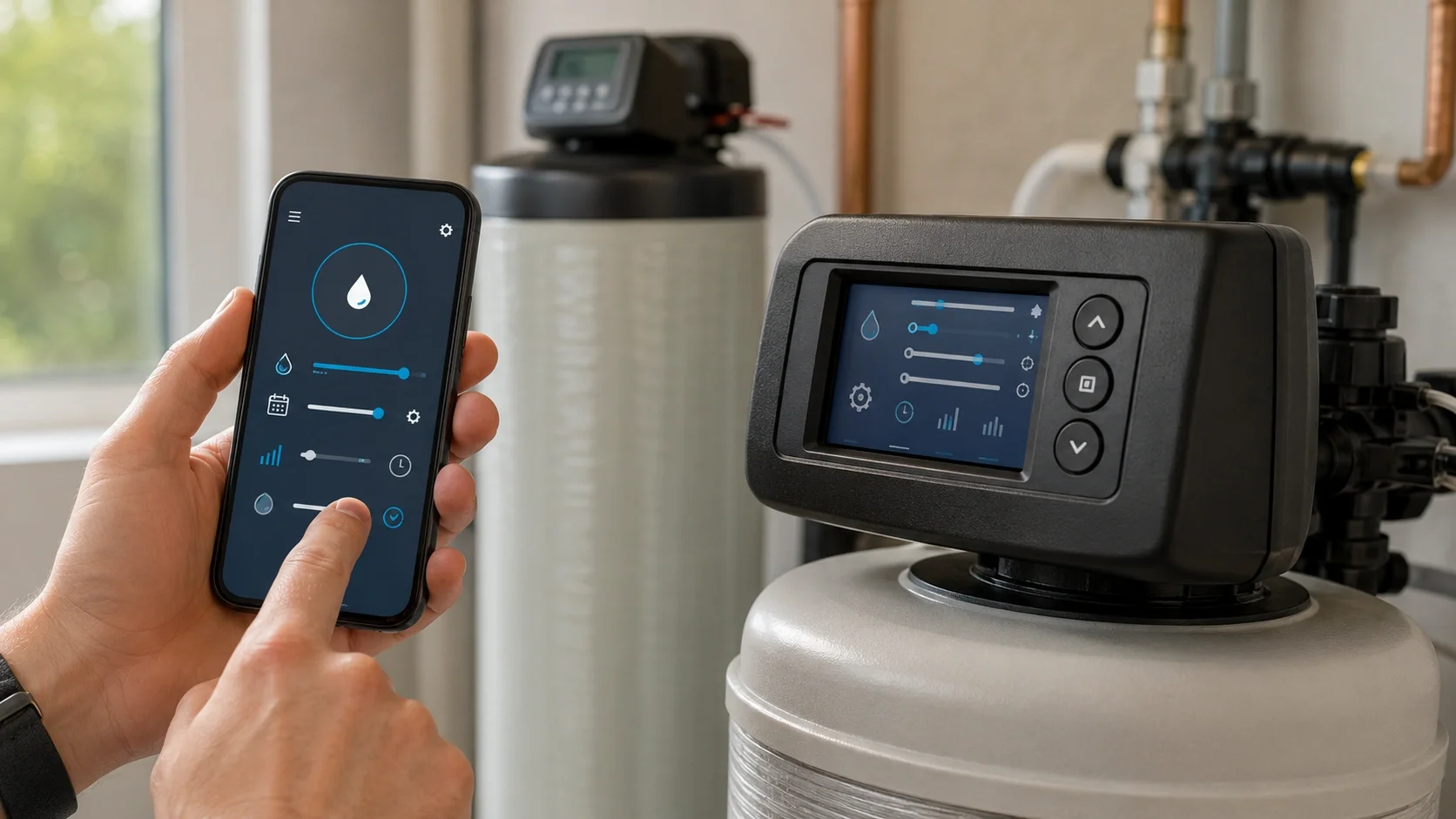
- Demand-Initiated Regeneration: If your model supports it, enable this feature for maximum efficiency. The system regenerates only when needed based on actual water usage.
- Peak Usage Settings: Adjust reserve capacity during high-use periods (mornings, evenings) to ensure soft water availability.
- Winter vs Summer Settings: Consider adjusting settings seasonally if your water usage changes significantly.
- Manual Regeneration: Run a manual regeneration after any major setting changes to ensure proper operation.
- Save Settings: Take a photo of your settings screen or write them down for future reference.
Pro Tip: If you have a smart Culligan system, download the companion app for convenient remote monitoring and setting adjustments.
Frequently Asked Questions
How do I know what hardness setting to use?
Test your water hardness using a test kit or get a water quality report from your local municipality. Set your softener to match the measured hardness level.
What time should I set for regeneration?
Set regeneration to occur during low water usage hours, typically between 2:00 AM and 4:00 AM when household water demand is minimal.
How often should my water softener regenerate?
Frequency depends on water hardness and usage. Most systems regenerate every 3-7 days. Monitor your salt usage to determine if frequency is appropriate.
Can I change settings myself, or do I need a technician?
Basic settings like hardness level and regeneration time can be adjusted by homeowners. For complex programming or error codes, consult a professional.
Why is my water still hard after setting the softener?
Check that your hardness setting matches your actual water hardness. Also, ensure salt levels are adequate and the system is regenerating properly.
How do I reset my Culligan water softener settings?
Most models have a reset button or can be reset by unplugging for 30 seconds. Consult your owner's manual for specific reset procedures.
Common Error Codes Quick Reference

- Err 1: Motor stalled – Check motor and piston assembly
- Err 2: Valve position error – Check valve alignment
- Err 3: Brine draw failure – Check salt level and brine line
- Err 4: Flow meter error – Check flow sensor
- Err 5: Control board error – Reset system or contact service
Note: Error codes may vary by model. Always consult your specific owner's manual for accurate error code interpretation.
Other Water Softener Resources
Explore these additional resources for water softener maintenance, parts, and supplies:
Water Softener Troubleshooting
Comprehensive guide to identifying and resolving common issues with water softening systems.
Water Softener Maintenance
Essential maintenance tips for keeping your water softener running efficiently.
Culligan Water Softener Parts
Genuine Culligan replacement parts and components for maintaining your system.
Water Softener Salt Guide
Complete guide to choosing the right salt for your water softening system.